AX 2012: The attempt to connect to the report server failed. Check your connection information and that the report server is a compatible version.
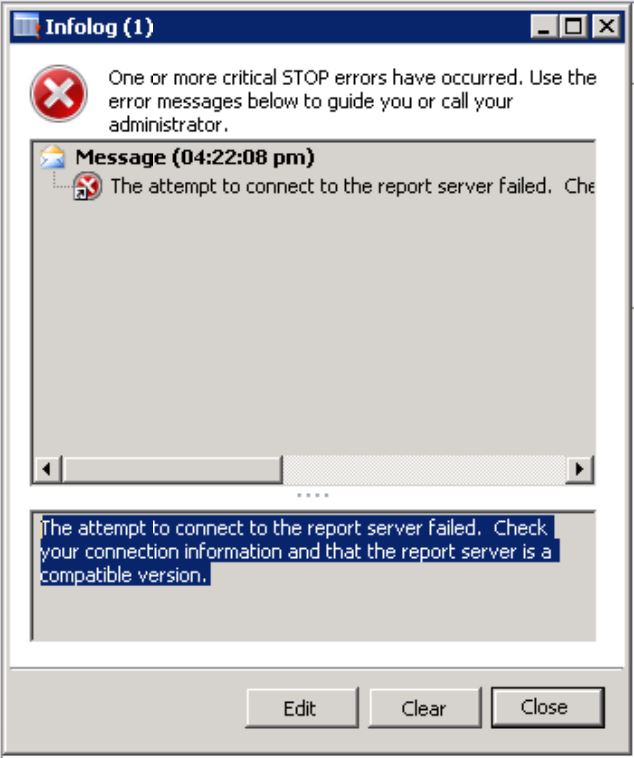
Hi Readers, Today, in this post we are going to share a solution for below error. Error : The attempt to connect to the report server failed. Check your connection information and that the report server is a compatible version. Solution: 1) Login to AX and end user's sessions. 2) Logout from AX. 3) Restart AX AOS services. 4) Restart SSRS Services. 5) Login to AX again and navigate to System administration/Area page/Setup/Business intelligence/Reporting Services/Report servers and click on validate settings. Please see below screenshot for your reference. 6) You should get success message after validating the settings. 7) Now, try to run a report and wait for sometime as it will take sometime to run the SSRS reports first time. 8) Enjoy, error is resolved. Comment below if you found this article helpful... Author : Chirag Gupta Microsoft Dynamics 365 AX Technical Consultant at IBM Bangalore Date : 3-Jan-2020 Happy Learning !!